
Swayclip AI Video Generator
Swayclip lets you effortlessly create stunning AI videos, images, and music from prompts or reference images. One creative workspace, free to get started.
All your AI creative tools in one place.
Create videos, images, and music with leading AI models in a single workspace built for fast-moving creators.
Video
Cinematic AI video, multi-model
Many leading AI video models in one video-first workspace for many creation directions.
Image
Editorial images, real layers
Multiple AI image models for posters, product shots, and concept art — refine uploads with prompts in the same workspace.
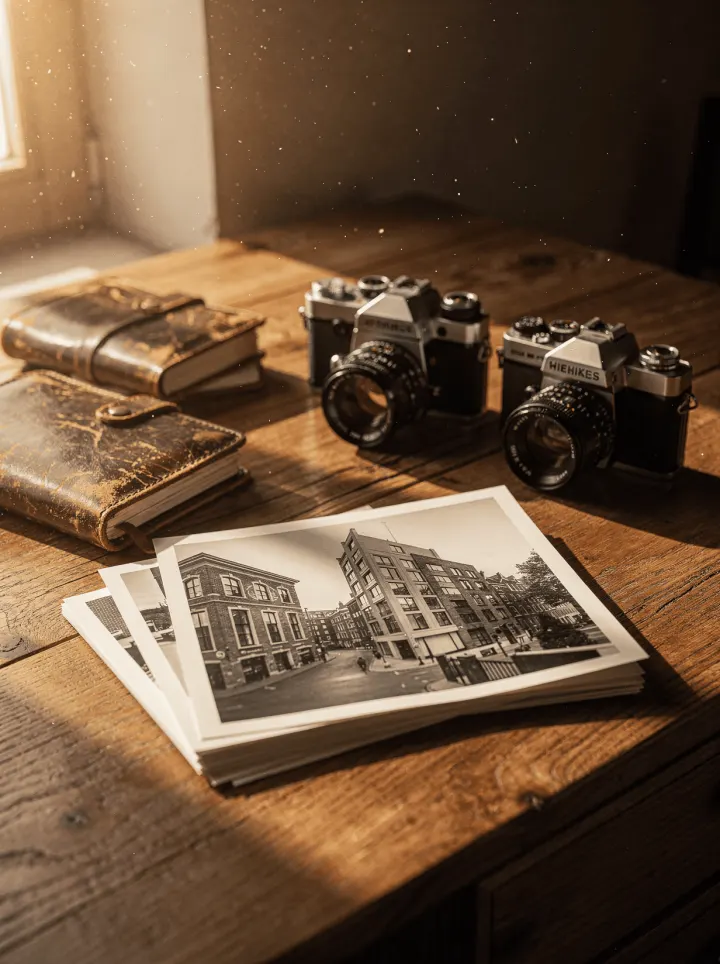
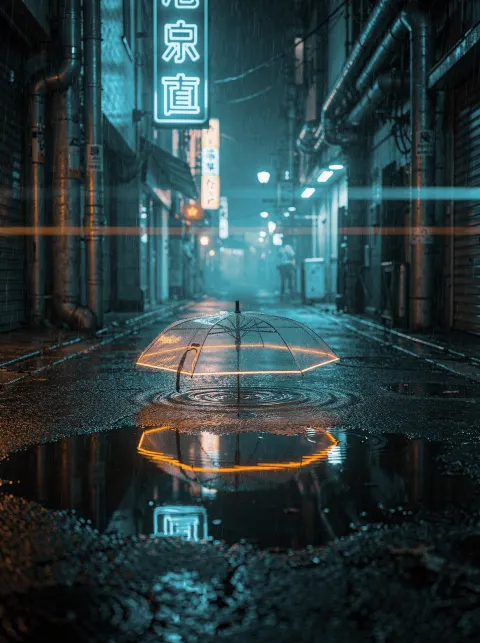
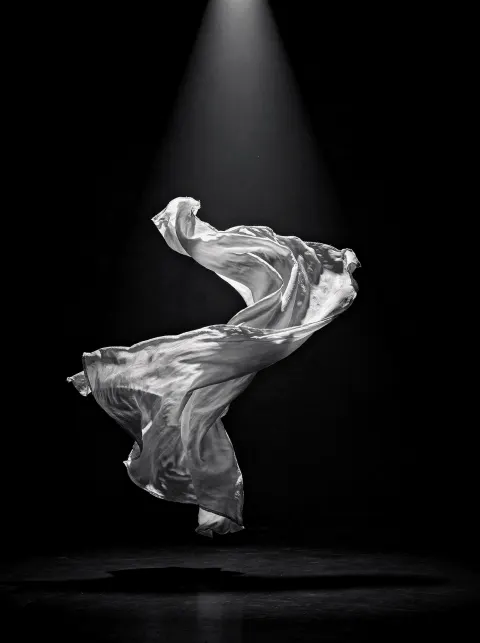
Audio
Prompt-to-music for creator clips
Text to Music turns short creative direction into ready-to-cut soundtracks.
See real outputs. With the real prompts behind them.
Click any tile to open the matching tool.
Cinematic slow push-in down a rain-soaked neon city street at night, towering glowing signage in teal and electric magenta reflecting on wet asphalt, light foreground bokeh, faint drifting mist, anamorphic lens flares, crisp deep-blue night grade.
Cinematic 16:9 close-up of a vintage condenser microphone in a warm wood-paneled home studio, dust particles in golden side light, slow push-in.
Vertical 9:16, a large printed editorial poster on a plain concrete wall fluttering gently in soft breeze, warm late-day light, slow camera drift. Print magazine aesthetic.
Cinematic 16:9 first-person handlebar view of a bike gliding through a green leafy park path, dappled sunlight through trees, soft summer afternoon. Vlog energy but cinematic.
Cinematic close-up portrait, warm rim light catching wisps of hair drifting in slow wind, atmospheric haze, premium editorial fashion film aesthetic. No face front-on.
First-person POV: a hand pushes open a dark studio door into a glowing neon product world, then reaches toward a floating product pedestal, quick social-ad pacing, teal and magenta rim light, strong foreground motion, cinematic commercial grade.
FAQ
Frequently asked questions
Everything about models, workflows, outputs, and rights. If your question isn't here, support replies within one business day.
Swayclip is a video-first AI creator workspace. From a prompt, product shot, reference image, or music need, you can generate and reuse video, image, and audio assets with model choice and credit costs shown before generation.
The workspace covers video, image, and audio generation across multiple leading AI models. Each tool's model picker — and the AI Models pages — show the current lineup, which keeps expanding as the workspace adds more usable generation paths.
Yes. Start from a prompt, upload a first frame or product image, or use a reference asset depending on the tool. Video remains the main surface, with image and music workflows available in the same workspace.
Use Swayclip for product clips, social shorts, cinematic scenes, character shots, editorial images, concept visuals, and music for creator workflows. Examples on the homepage show prompts you can adapt.
Each example is there to show a concrete direction: motion, framing, style, and output type. Open the matching tool, adapt the prompt, and adjust the model or settings for your own asset.
On paid plans and Credit Pack generations, yes — see /commercial-use for the full breakdown by entitlement and model. You keep rights to your prompts and references; outputs follow the underlying model's licensing terms. We block content that violates impersonation, brand, or policy rules.
Video, image, and audio formats depend on the selected model and workflow. Each tool page shows the available aspect ratios, output settings, credit cost, and export options before generation.
Swayclip is being built as a video-first creator workspace: visible model choice, reusable outputs, credit clarity, and workflow pages that can grow with real creator jobs. It is an independent creator tool, not the official site of any underlying model provider.
Start creating
Make your first clip in one prompt.
A growing workspace for video, image, and music generation.
