
Flux-2 Pro for controlled product imageryPhotorealistic
Use Flux-2 Pro when the image needs realistic materials, crisp lighting, and enough fidelity to become a product ad frame or catalog asset.
Specifications
What Flux-2 Pro delivers in this workspace
A practical image route for product marketers who care about controllable details, not just pretty thumbnails.
Standard resolution
1024×1024 output at 7 credits per image. Aspect ratios: 1:1, 16:9, 9:16.
2K resolution
Higher-detail output at 10 credits per image. Same aspect ratio options.
Image-to-image
Upload a reference image and transform it with a text prompt. 7 credits per edit.
Negative prompts
Specify what you don't want in the output to steer the model away from unwanted elements.
Workflows
Two ways to use Flux-2 Pro
- 01
Text to image
Write a prompt describing the image you want. The model generates it from scratch. Open the Image Generator, select Flux-2 Pro, and type your prompt.
- 02
Image to image
Upload an existing image as a reference, then describe how to change it. The model preserves the structure while applying your edits. Open the Image Editor, select Flux-2 Pro, and upload.
Prompt directions
Looks to try with Flux-2 Pro
Six real assets prepared for this page. Use them as prompt references for photoreal product shots, interiors, and edit-style transformations.
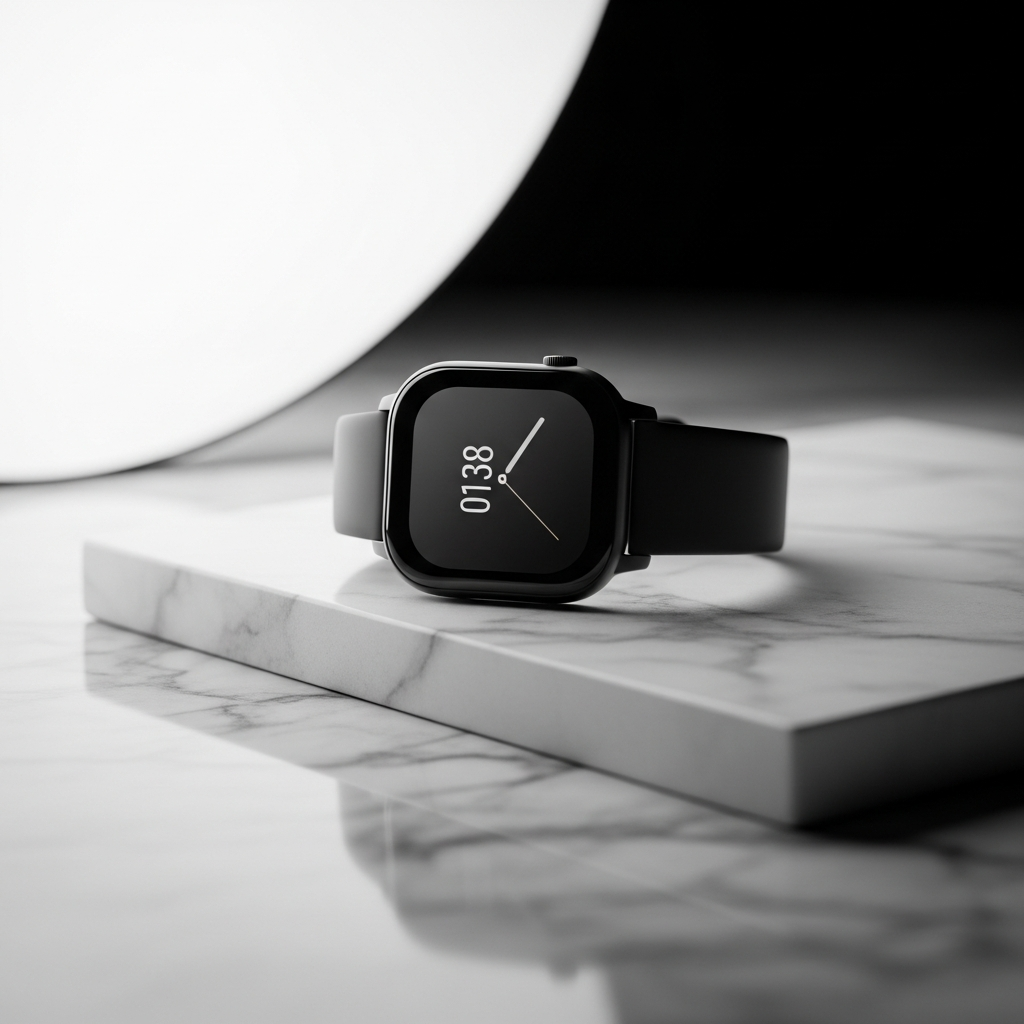
Smartwatch product shot
Text → Image · Product study
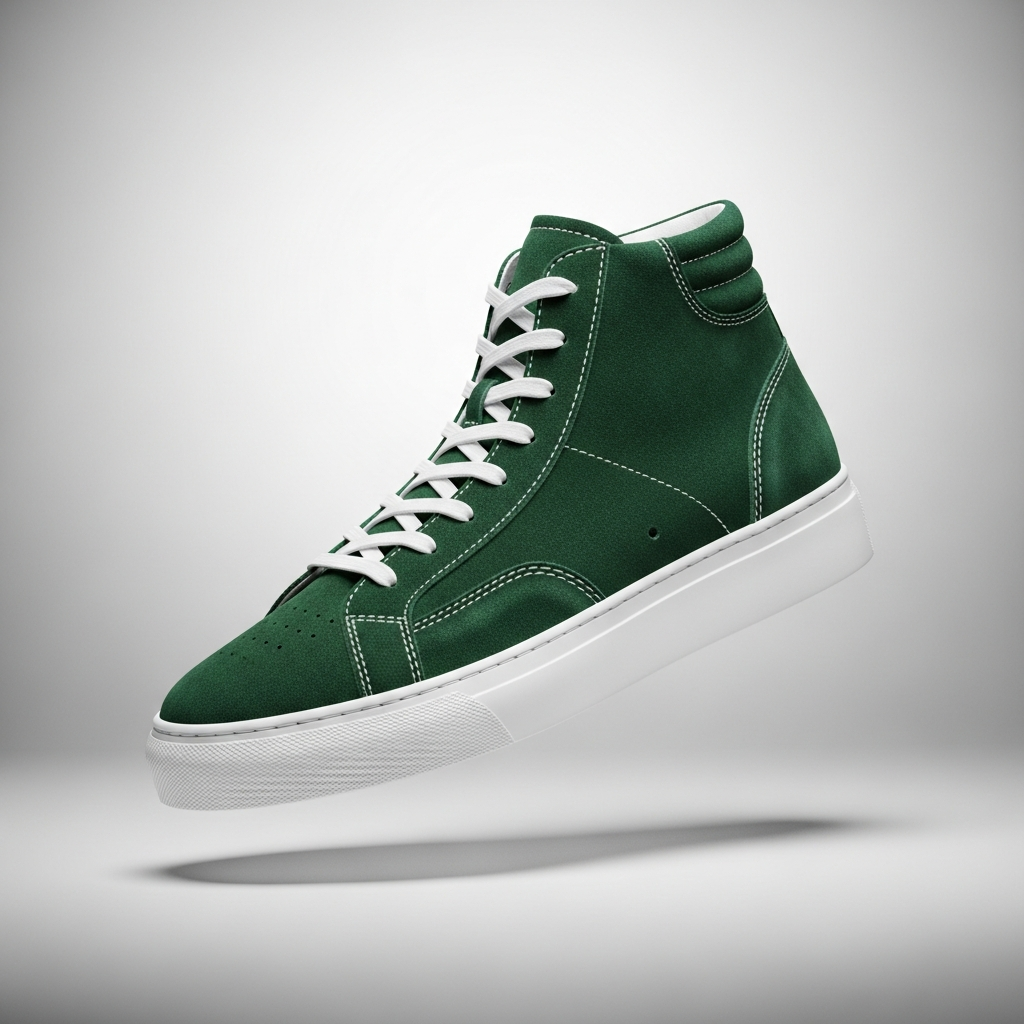
Sneaker colorway variant
Text → Image · Product variation
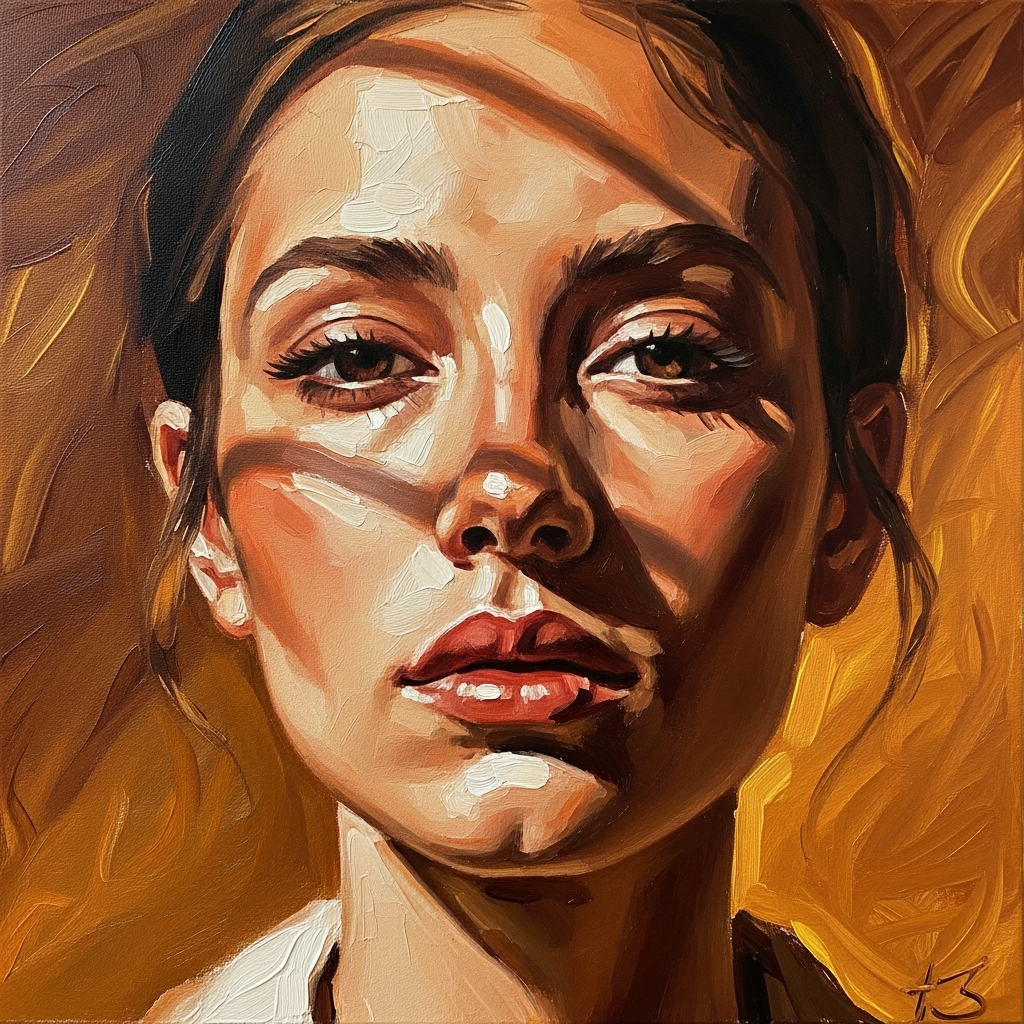
Photo → oil painting
Image Edit · Style transfer
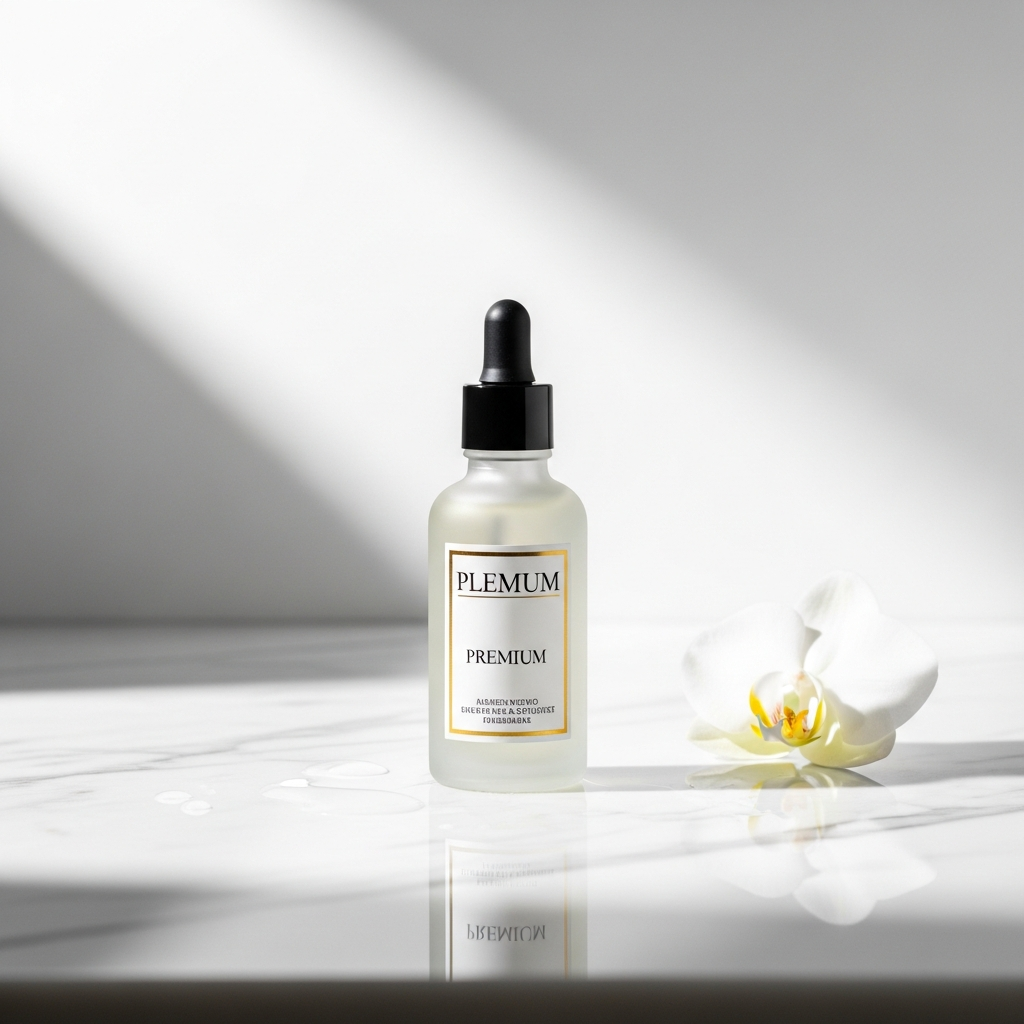
Product on marble surface
Image Edit · Surface placement
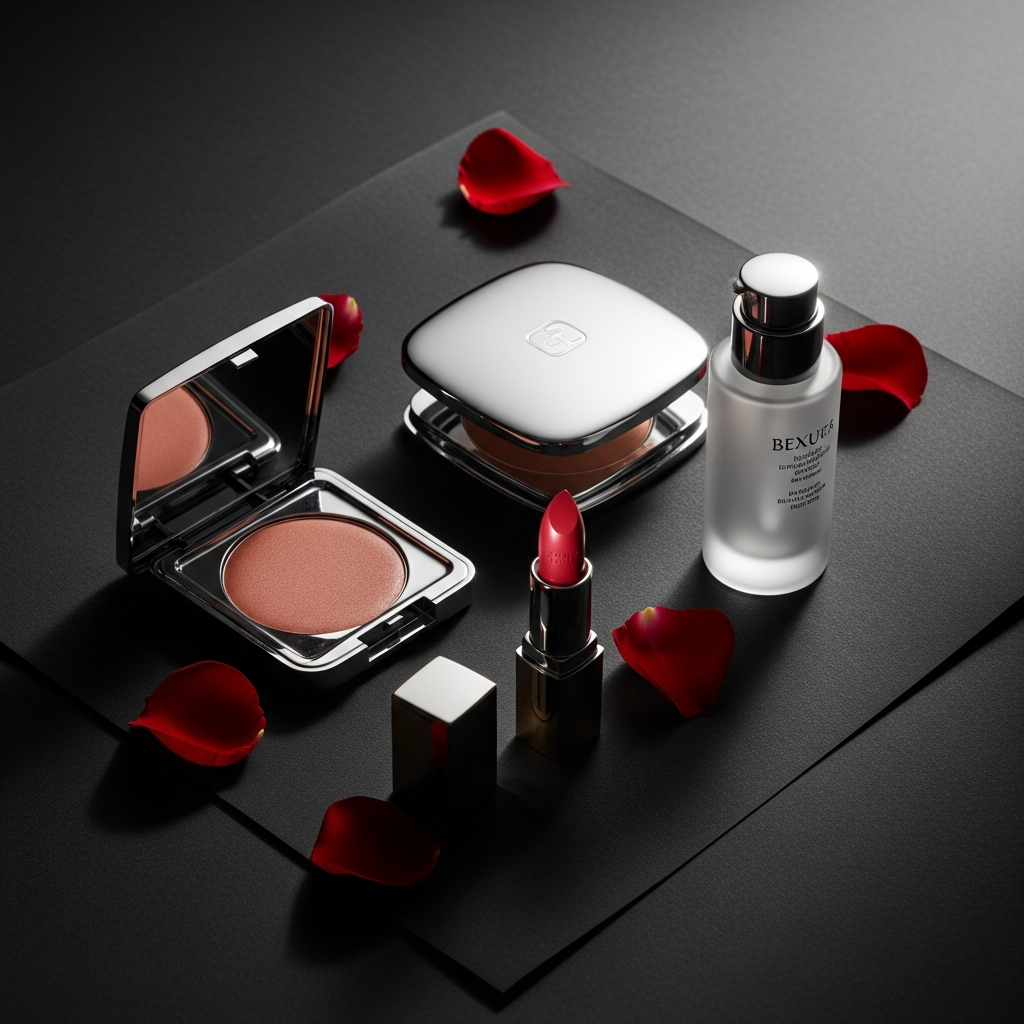
Luxury cosmetics flat lay
Text → Image · Beauty editorial
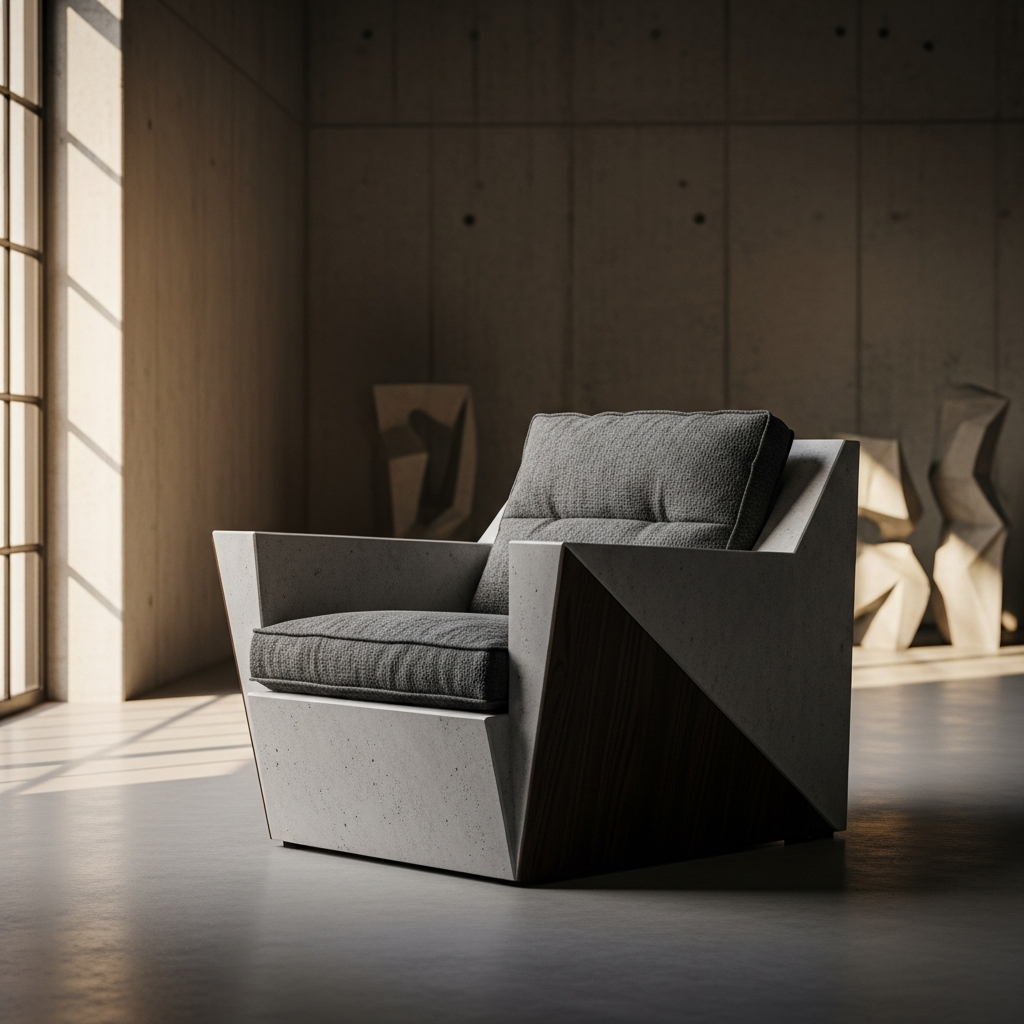
Brutalist chair concept
Text → Image · Furniture concept
FAQ
Flux-2 Pro FAQ
Try Flux-2 Pro now
Generate the product still before you spend credits animating it.